




Spinmaya App
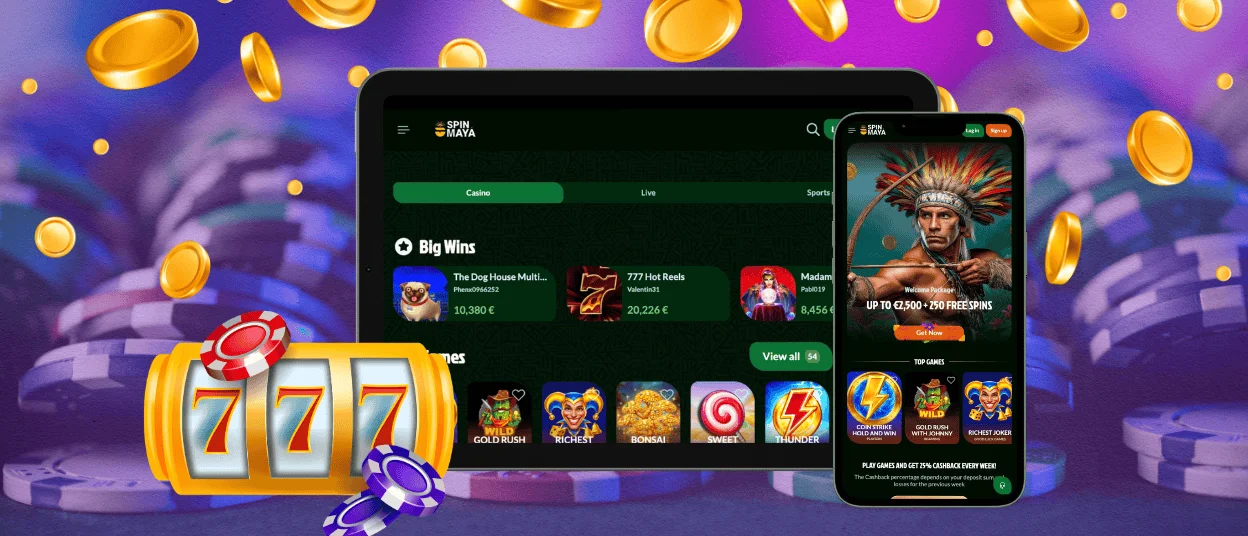
The Spinmaya App opens our casino from a phone home screen without a store download. It uses the same account as the desktop site. Balance and bonus progress stay connected after login.
A progressive web app is a website saved as an app-style shortcut. It runs through a browser and loads the current platform version. The Spinmaya casino experience stays light on storage. This format gives Spinmaya users quick access while keeping the official site as the only entry point.



Spinmaya Application: Features and Benefits
Mobile access works best when a session needs to start quickly. The Spinmaya app reduces the route from browser search to one tap, while the layout adjusts game cards and account menus for touch controls. Desktop play still gives more room on screen, which helps with long live casino sessions and detailed account tasks.
Inside our platform, the same profile connects mobile and desktop. A user can check a bonus on a phone. Later, the same account state appears on a laptop. This is one of the main reasons the Spin Maya app suits users who move between devices during the day.
| Area | App access | Desktop browser |
| Access | Opens from a home-screen icon | Opens through a browser tab or shortcut |
| Interface | Built for taps and compact navigation | Gives a wider view of the lobby |
| Best session type | Short sessions and quick slot play | Longer live casino play and account management |
| Notifications | Push alerts flag an active promotion directly on the lock screen | Promotions appear inside the lobby banners during a session |
| Multitasking | One active view keeps focus on the current game | Multiple browser tabs let a member check other things alongside a session |
Mobile Interface
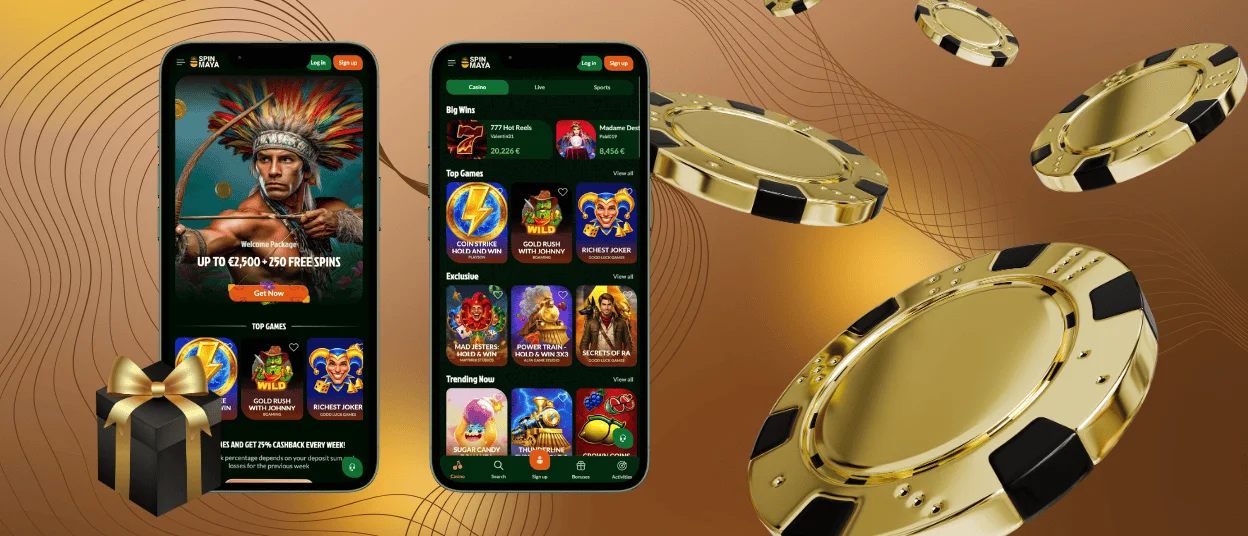
On a phone, the Spinmaya lobby focuses on clear rows and touch-friendly controls. Game tiles scale to the screen instead of forcing users to zoom. The account menu keeps the cashier nearby. The help section stays close to the main navigation.
The shortcut also keeps the mobile casino simple for returning users. Slots open in a compact format, while live dealer games adjust the video area to the device. A tablet gives more space for the stream, so many users prefer it for live casino rounds.
Android Access to Spinmaya Casino
For users on Android, access starts from the official website in Chrome or another modern browser. The shortcut is created through the browser menu and then opens the Spinmaya app in an app-style window.
- Open the official Spinmaya casino site in your mobile browser.
- Tap the browser menu in the top corner.
- Select “Add to Home screen”.
- Confirm the shortcut name and tap “Add”.
- Use the new icon to open the mobile casino directly.
A recent Android version gives smoother performance because the browser has newer security and media features. The Spin Maya casino lobby can still be opened through the browser if a user does not want to keep a shortcut. This makes the Spinmaya app useful without making it mandatory.
Spinmaya APK
The safest Android route is not a Spinmaya APK file. Unofficial APK pages can look similar to a casino download page. We do not use that route for mobile access. The website shortcut already opens the same mobile casino through the browser. The official shortcut gives the same app-style launch without installing a package from a random source.
This matters for account safety. The shortcut stays linked to the official Spinmaya casino website. Each visit loads the live version from our platform, so users do not handle update files. Users do not need to download update files or manage installer permissions. They also do not need to check whether an APK came from the correct source.
Spinmaya on iOS
Apple devices use Safari for the cleanest setup. The process takes less than a minute and creates a direct icon for the Spinmaya app on the iPhone or iPad home screen.
- Open the official Spinmaya casino site in Safari.
- Tap the Share button.
- Choose “Add to Home Screen”.
- Check the shortcut name.
- Confirm with “Add”.
iPhone play is convenient for shorter sessions. Online slots fit portrait mode well because the controls are made for taps.
On iPad, the lobby has more room to breathe. Live casino tables are easier to follow because the dealer feed does not feel crowded. Saved Safari credentials can also speed up return access when the device security settings allow it.
How to Play on Desktop
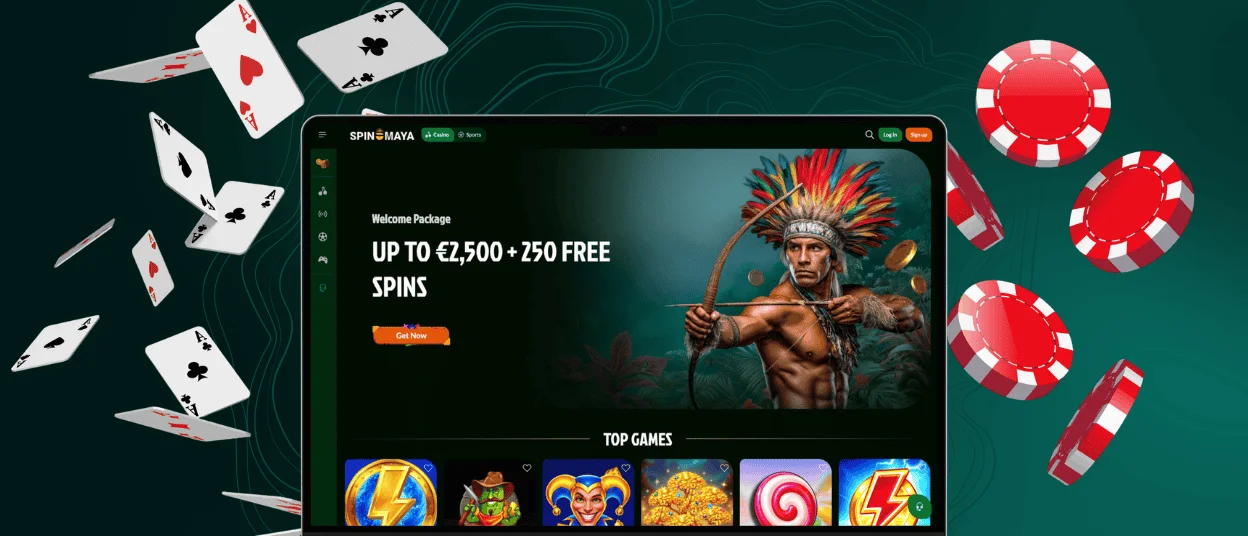
A larger screen is still the most comfortable choice for long sessions. Windows and macOS users can open Spinmaya Casino through a modern browser and use the full website without a separate client. The wider view helps when comparing game categories or managing profile details.
Desktop users can also create a shortcut. In Chrome, open the official Spin Maya casino site. Choose the browser menu and use the “Create shortcut” option. The new icon launches the site faster, which makes desktop access closer to the mobile app while keeping the same secure browser base.
Security Benefits of Playing Spinmaya via PWA
A PWA route keeps the session inside encrypted web access. Login data and payment actions use secure browser connections, while account pages follow the same protected route. The same protection applies whether a user opens Spinmaya Casino from a normal tab or from the saved app icon. Automatic updates also support safer access because the Spinmaya app shortcut opens the latest website version without manual downloads, which lowers malware risk from outside installer files.
Secure authentication remains tied to the account. Device tools such as saved credentials or biometric confirmation can make return access faster on supported phones, while sensitive account actions still remain behind the Spinmaya casino login and the verification process when required.
Tips for a Better Mobile Gaming Experience
Small setup choices make mobile sessions smoother. Before opening the Spin Maya app for a long session, check the connection first. Then look at the device and browser.
| Before playing | Set it up this way | What improves |
| Connection | Use Wi-Fi for live tables. Mobile data also works when the signal stays strong. | Dealer video stays clearer. Slot rounds start with fewer loading pauses. |
| Mobile browser | Keep Chrome updated on Android. Use Safari on iPhone and iPad. | The shortcut menu stays available. Browser security stays current. |
| System version | Use a recent Android or iOS build | Touch controls respond faster. Media playback stays more stable. |
| Battery level | Charge the phone before live play | A longer session will not stop at the worst moment. |
| Free device space | Leave room for browser cache | The lobby can reuse saved site elements on the next visit. |
| Profile readiness | Finish verification when the account asks for documents | The first payout request has fewer extra steps. |
The Spin Maya shortcut itself is light. The phone still needs a stable browser setup around it, especially for live games and document uploads.
FAQ
Does the Spinmaya app need an App Store or Google Play download?
An app store download is not part of the PWA setup. Open the official site in a mobile browser and save it to the home screen. The saved icon simply brings you back to the official mobile site.
Does the balance change when I move from phone to desktop?
The account holds the balance, so the device does not change it. Log in on another screen, and the profile will show the same account funds. Bonus status appears there too. Settings stay attached to the same profile.
Can I contact support from the Spin Maya app?
Support remains available through live chat on mobile. The Support Team can help with login access while the mobile casino stays open. For document checks, open the chat and describe the account issue. The team can guide the next step from there.


